
Microsoft Copilot Cowork: AI moves from “help me” to “do this”
Microsoft’s new Copilot Cowork is one of the more important changes to Microsoft 365 Copilot so far. Standard Copilot helps users draft, summarise, search and analyse.


Most businesses have a file problem they have learned to live with. Large drawings, models and video sit on a server in one office. People in that office get on fine.
Cloud, News
Most businesses have a file problem they have learned to live with. Large drawings, models and video sit on a server in one office. People in that office get on fine. Everyone else, at another site, at home or on the road, waits: for a VPN to connect, for a file to copy down, for the lock someone forgot to release.
LucidLink fixes that problem, which is why we use it, recommend it, and are now the only LucidLink Gold partner in New Zealand.
LucidLink is a cloud file-streaming platform. Your team gets a shared “filespace” that appears on every Windows and Mac machine as an ordinary drive. Open a file and LucidLink streams only the parts the application asks for, keeping frequently used data in a local cache. The rest stays in the cloud until it is needed.
That is the difference from sync tools such as OneDrive or Dropbox. Sync has to copy a whole file, and often a whole folder, to every device before anyone can work on it. Streaming does not. A large project opens and starts working without waiting for the entire thing to come down first.
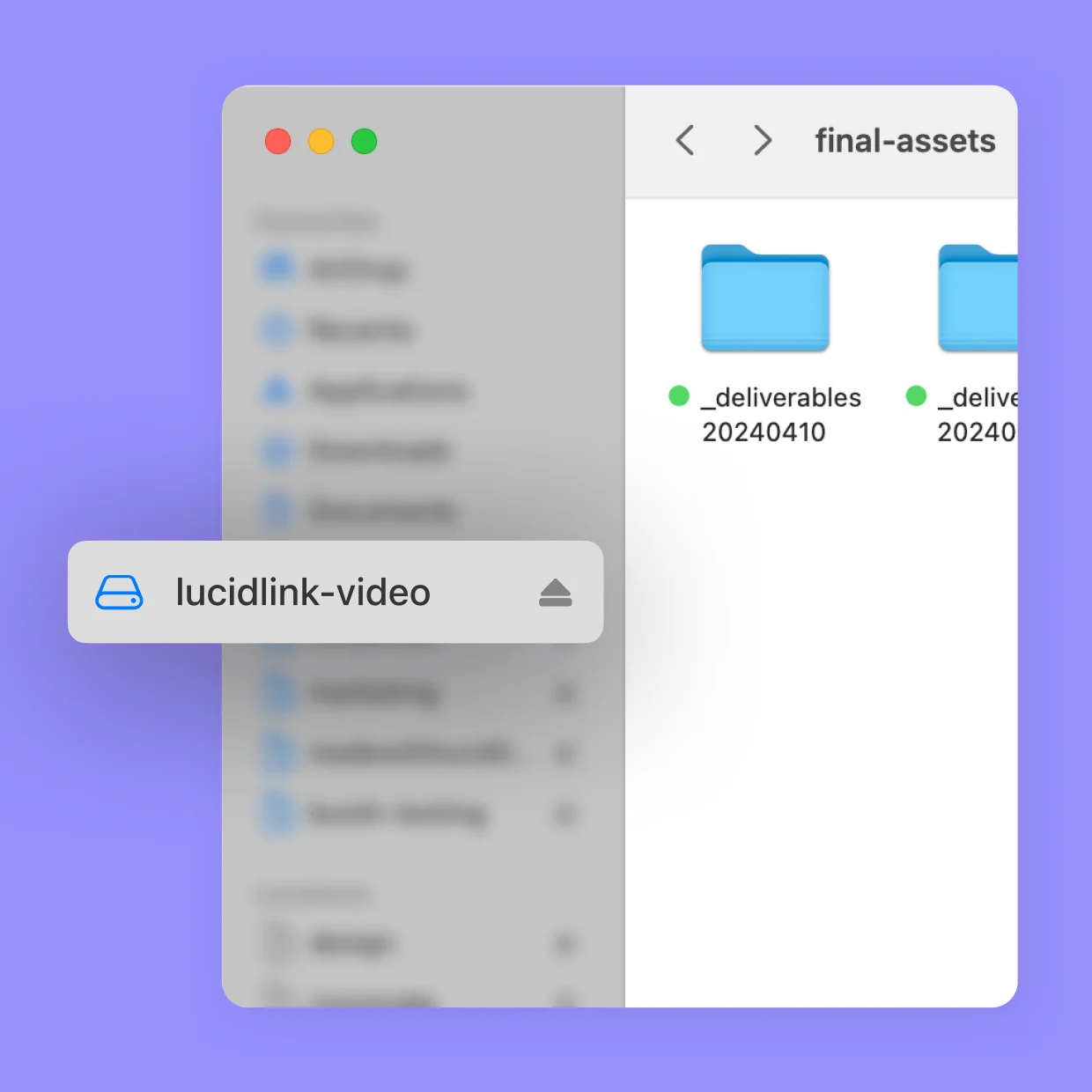
We look for technology that removes a whole category of problems rather than patching one. LucidLink does that for anyone working with large files across more than one location:

Real Steel is a New Zealand, family-owned steel plate-processing and wear-parts business. It runs factories in Cambridge and Ashburton, is building a larger plant in Cambridge, and has a sales team covering the whole country. It does all of its CAD design in-house: its design team and draughtsmen produce the drawings the factories cut and form from, working alongside the operators, while its sales staff measure parts on customers’ sites.
CAD files are large, and that spread is exactly where a traditional file server struggles. With a central server, everyone outside the building it sits in opens drawings across the network, and every open and save carries that distance. Real Steel’s goals were to take that latency out, and to let people work properly from wherever they are: the other factory, a customer’s site or home.
We moved Real Steel’s working files onto LucidLink. Designers and staff now open drawings and files from a drive that behaves the same at every site, with data streamed on demand and cached locally rather than fetched from one server in one building. Day to day, that means less waiting on files and no difference between working at one factory, the other, or away from both. When the new Cambridge plant opens, its people connect to the same filespace, with no file server to install there.
Just as important, there is nothing new for staff to learn. The filespace looks like the drive they already used.
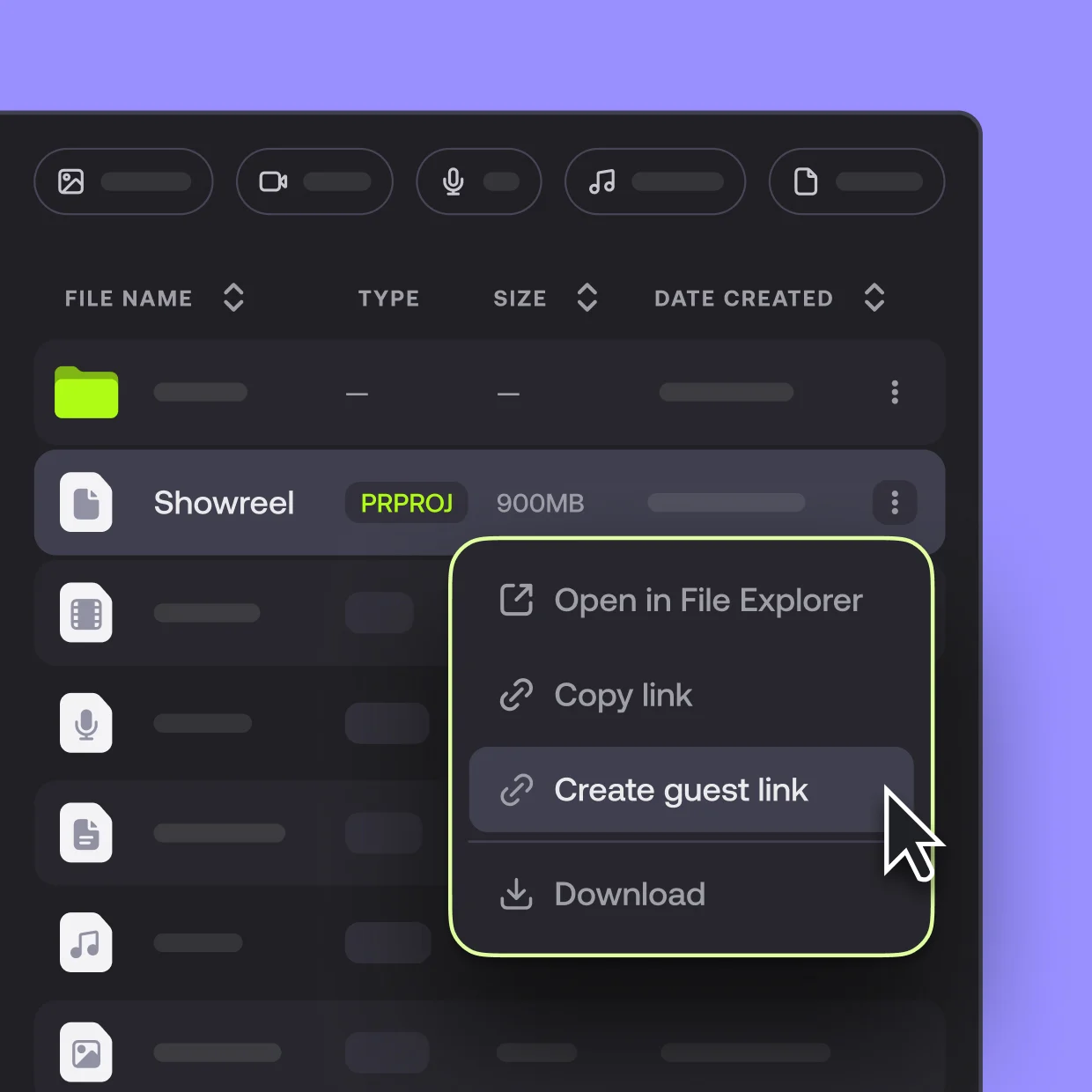
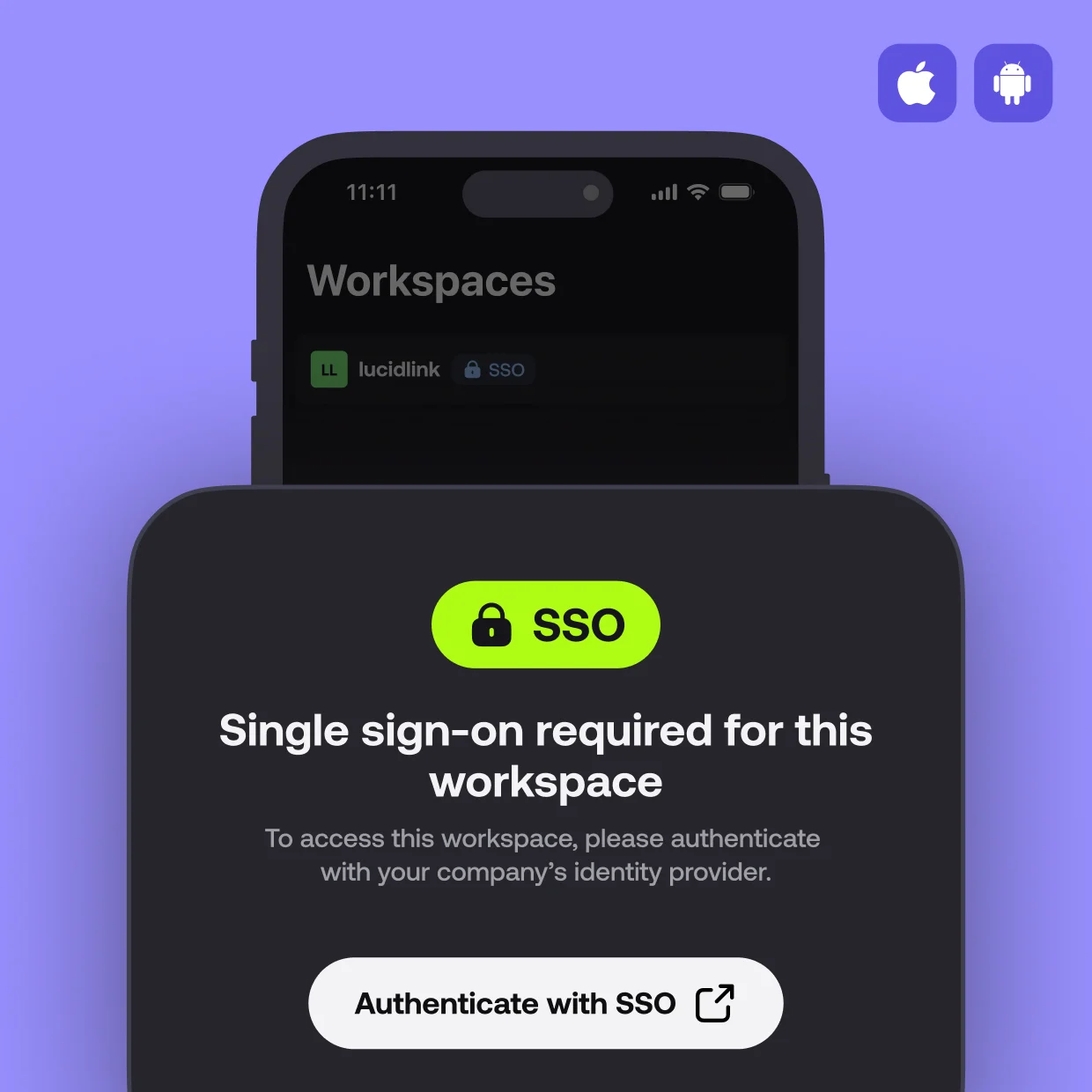
Moving files out of the office is only worthwhile if it is at least as secure as what it replaces. LucidLink is built for that:
SharePoint, OneDrive and Dropbox are good at what they were built for, and for everyday Office documents we still recommend SharePoint and OneDrive. The difference shows up with large files and people in more than one place, and it comes down to architecture: they sync files, LucidLink streams them.
| LucidLink | SharePoint | Dropbox | |
|---|---|---|---|
| How files reach you | Streamed on demand: only the parts an application needs | Synced through OneDrive, or opened in the browser | Synced: the full file downloads before you can work on it |
| Ten people, one office, one file | Streamed and cached; TeamCache can serve a whole site at LAN speed | Each person downloads their own copy | Each person downloads their own copy |
| Largest single file | No limit | 250 GB | 350 GB |
| Storage scale | No practical limit | 25 TB per site | Hundreds of TB |
| Encryption | Zero-knowledge: encrypted on the device, and LucidLink cannot read your files | Microsoft 365 security, which needs careful configuration | Enterprise-grade, but not zero-knowledge |
| Desktop applications | Mounts as a normal drive, so CAD, Adobe and editing tools work unchanged | Works through synced folders | Works through synced folders |
The two sit well together: Microsoft 365 for documents, email and Teams, and LucidLink for the drawings, models and video that are too big to sync comfortably.
LucidLink’s own overview shows the experience better than we can describe it.
Layer3 is the only LucidLink Gold partner in New Zealand, and part of LucidLink’s MSP program. In practice that means we provision and manage filespaces for our customers, on object storage we run, and you deal with one provider for the contract, the bill and support. We are the first point of contact, with LucidLink’s engineers behind us.
LucidLink suits video and creative teams, architecture, engineering and construction, manufacturing and product design, and any business where large files and people in more than one place are slowing each other down. More detail is on our LucidLink partner page, and LucidLink’s own overview, comparison and one-pagers are in our LucidLink information pack.
If your team is waiting on files, or your file server is due for replacement, talk to us. We will tell you honestly whether LucidLink is the right fit.
Keep reading
Next step
Most organisations do not have an IT problem. They have an accountability problem. We fix that first, then the technology gets easy.
Our services

Layer3 is a managed IT provider operating an ISO/IEC 27001-certified ISMS, with offices across New Zealand.
Contact
0508 LAYER3 Book a discovery call Service status Notices
Level 2, CBD Towers
84-90 Main Street
Upper Hutt, Wellington 5018
© 2026 Copyright Layer3.



Layer3
Book a discovery call - 30 minutes, no obligation